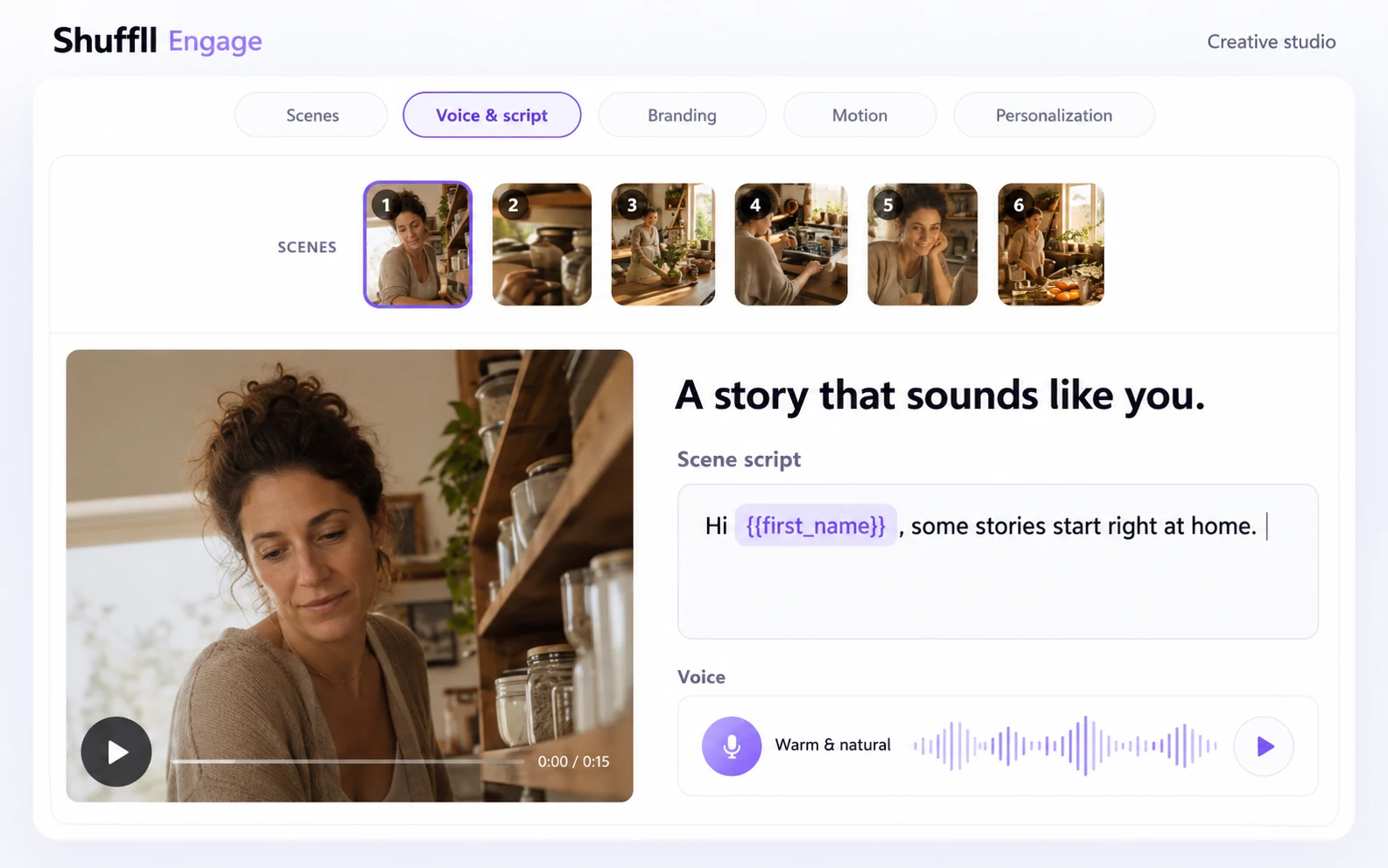
Your product. Your brand. Our video infrastructure.

Add video to your platform through branded workspaces and documented APIs. Configure supported brand controls, scope access and return usable video output to your product.

White-label workspaces. Video APIs. Your customer experience.

Your brand
Your application
White-label workspacesScoped API accessVideo output
Your customer experience. Video powered by Shuffll.
Explore the implementation paths below

White label where it matters. APIs where you build.

A branded workspace or a video feature inside your product.

How Shuffll Works

Define the brand, scope the access and connect video output to your product.

01. Define the branded experience

Choose a branded workspace or video output inside your own application. Define the supported identity settings and agree any custom implementation requirements.

02. Set up workspace and access

Choose the organization, API product and permissions. Discover the operations available to the intended credential before connecting your application data.

03. Generate and return the result

Request generation explicitly, follow processing status and retrieve usable video output. Your application controls its customer-facing presentation and downstream delivery.

WHITE LABEL FOR PLATFORMS & PARTNERS

Your brand at the front.
Shuffll underneath.

Bring video into a service your customers already know. Configure a branded workspace, or connect supported video operations to your own application. We help define the implementation around your product.

Configure the brand profile

Set the supported logo, favicon, colors and font for an authorized workspace. Review how that identity appears in the creative and finished output.

Keep your product experience

Your application can request supported video operations, follow processing and present usable results inside the experience you build.

Scope workspaces and access

Organize customer workspaces and grant the permissions each integration needs. Available operations depend on tenant policy, hierarchy and credentials.

Agree on the rollout scope

Brand controls and APIs are documented today. A custom domain, SSO or an embedded editor needs a separate implementation assessment. Customer-owned custom domains are outside the public Engage V1 API contract.

The integration layers behind your brand

Brand configuration

Workspace access

Video APIs

The building blocks of a white-label integration

Brand profile

Configure the supported logo, favicon, primary, secondary and accent colors, and font family for an authorized workspace.
Branding API

Organization management

Create and manage child workspaces within your tenant. Define ownership and scope access for the customer or partner integration.
Workspace API

Video Production API

Create branded videos from prompts, scripts or articles, then retrieve exported video output for your application. This is a separate API product.
Production quickstart

Engage API and MCP

Connect authorized workspaces, ready published templates, campaigns, generation jobs and results. Public V1 generates fixed video; it does not personalize rendered media.
Engage API docs

Scoped integration access

Use the intended workspace and credential. Discover effective operations and entitlements before building the integration; an identifier alone does not grant access.
Access documentation

Jobs and video output

Track processing, inspect failures and retrieve usable output. Your application handles presentation and delivery separately from video generation.
Jobs API

A video capability inside a partner’s product

Correct Gifts uses Shuffll as the video layer behind its own branded service. Use the customer experience below as implementation context, then define your own workspace, data flow and integration scope with our team.

What Our Customers Say

“Partnering with Shuffll became a meaningful business driver. Within the first month, enterprise clients adopted the solution, more than 45K personalized videos were delivered, and the value created directly supported customer renewals. Shuffll enabled us to operate video at scale.”

Omer Sahar

Project Lead, Correct Gifts

“Video communication at our scale requires consistency and speed, two things that don’t come easily when you’re coordinating across financial institutions globally. Shuffll removed that friction. We now produce professional video content as part of our standard workflows, without any production overhead.”

Dan Brahmy

CEO & Co-Founder, Cyabra

FAQ

What can be branded in a white-label setup?

The documented workspace brand profile supports a logo, favicon, primary, secondary and accent colors, and a font family. A partner can also build its own application experience around supported API operations. Agree the required presentation surfaces and rollout scope with Shuffll.

Which API should our product use?

Use Video Production to create videos from prompts, scripts or articles. Use Engage API and MCP for authorized workspaces, published-template discovery, fixed-video campaigns, generation jobs and results. They have separate credentials, endpoints and release contracts.

Does white label include a custom domain or SSO?

These requirements need a separate implementation assessment. Workspace branding does not establish custom-domain, SSO, compliance or residency commitments. Customer-owned custom domains are outside the public Engage V1 release.

Can the public Engage API personalize every video?

Public Engage API and MCP V1 generate fixed video from ready published templates. Adding recipient records does not personalize rendered media in that release. Broader workspace personalization is a separate workflow; confirm the interface required for your implementation.

What do we need for an integration assessment?

Bring the product flow, customer or partner workspace structure, source inputs, expected volume and output destination. We will map supported branding, credentials, operations and handoff responsibilities, then validate representative inputs and failure handling before rollout.

Build video under your brand.

Tell us where video should appear, which workspace you need and how your application will receive the output. We will define the supported white-label and API scope for your implementation.

Let's Talk!